
Name-Based Case Searches
Missouri Case.net is the official public starting point for Boone County docket searches. Its Litigant Name Search hunts for a party listed as a litigant. Pick Boone County or the 13th Judicial Circuit whenever the court selector appears. That filter matters. The 13th Circuit also covers Callaway County. A broad name sweep can pull a lookalike case from the wrong court.
Type the legal surname first. Add a first name or middle initial if you have one. Common surnames call for a tighter filing-date range. Give the case header a close read too. Protected persons may simply never appear in a public name result. In that situation, do not repeat broad searches. A case number, a call to the clerk, or another documented case detail beats them.
- Open Case.net and choose Litigant Name Search.
- Enter the surname and available first or middle-name detail.
- Select the Boone County or 13th Judicial Circuit option when offered.
- Use a filing period to narrow a common-name result.
- Open the case number and verify parties, court, case type, and filing date.
- Read Docket Entries for the chronological Boone County case record.
| Field label | Type | Required | Boone County use |
|---|---|---|---|
| Last Name | Text | Unspecified | Use the litigant's legal surname. |
| First Name | Text | Optional or unspecified | Narrows common-name results. |
| Middle Name or Initial | Text | Optional or unspecified | Add when known; live label should be checked in the portal. |
| Court, Circuit, or County | Dropdown | Optional but recommended | Select Boone County or the 13th Judicial Circuit where available. |
| Filing Date Search | Search route | Not applicable | Use a known filing date or range with the court filter. |
Boone County Case.net Search Paths
Case.net offers several Boone County search paths. Litigant Name Search suits an unknown number. Filing Date Search narrows new filings by court and period. Case Number Search is the direct route to one file. Scheduled Hearings & Trials Search surfaces public date and court leads. The judgment index lists parties against whom judgment was entered. Search it by case number or judgment date.
Match the tool to the question. A filing-date search is not a hearing calendar. A judgment-index line is not the full register of case activity. Once any search hands back a Boone County case number, open it. Then move to the Case Header and Docket Entries tabs. There the record supplies the context a one-line result cannot.
- Case Header
- The Case.net view that can display court, division, parties, case type, filing date, status, and setting information.
- Docket Entries
- The chronological register of filings, notices, hearings, orders, and other activity.
- Judgment index
- A search route for judgment-related records, distinct from the full docket history.
- Scheduled Hearings & Trials Search
- The statewide calendar-search route for public setting discovery.
Case Number Searches
One complete Boone County case number beats every other search key. Missouri's newer non-uniform-citation pattern starts with two-digit year, location code, and two-letter category. Then comes a five-digit sequence and a two-digit subcase. A masked example is 26BA-CRxxxxx-01. Here BA reflects Boone associate usage. CR marks a criminal category. For a real case, the displayed court and division remain the authority.
Other category codes include CV civil, TR traffic, IN infraction, PR probate, and FC family. MU is municipal ordinance. TC is treatment court. A municipal uniform citation case may instead carry a nine-digit Missouri citation number. Copy the Boone County identifier exactly. Keep the hyphens and subcase digits included.
Boone County No-Result Checks
An empty result does not prove a Boone County case is absent. Check the spelling first. Then test the first or middle-name detail, the circuit selection, and the filing date. Finish with the full case number. A protected victim or party may never surface in a public name search. Older, sealed, expunged, juvenile, confidential, or legacy records can likewise sit outside the general index. Some appear only in part.
When a notice, ticket, or court order supplies a number, search that number before leaning on a broad name result. If the number still yields no public record, contact the Boone County Circuit Clerk. Ask whether the problem is a court issue, a security issue, or the record's status. The clerk cannot release a sealed record without the authority the court rules require.
Search result tip. Keep the exact spelling, circuit, date range, and case number used in a Boone County search. Those details make a clerk follow-up more specific and avoid mixing cases with similar names.
Case Search Results Explained
A Boone County Case.net result shows the case number, the caption or parties, and the court or circuit. Case type and filing date appear too. The Case Header can add division, judge, status or disposition, and representation. Current setting information appears when shown. Docket Entries are the date-ordered story of the case. Expect filing, service, answer or plea, motions, notices, orders, and settings. Hearings, resets, judgment or disposition, and post-judgment activity round it out.
A hyperlinked entry means an attached document is available to that user. A plain entry may hold no document. It may sit behind a security level the user cannot clear. Read the entries upward to reconstruct the sequence. Or read downward to catch the latest Boone County activity. Preserve the docket text as written rather than swapping in an assumed result.
| Case number | The unique court key that opens the Boone County file. |
|---|---|
| Case style and parties | The displayed caption and participant roles, subject to public-access limits. |
| Case type | The category or code, such as criminal, civil, traffic, probate, family, or municipal. |
| Filing and status | The date filed and current status or disposition where the interface displays it. |
| Settings and docket entries | Hearing information and the chronological event register. |
Boone County E-CASE Documents
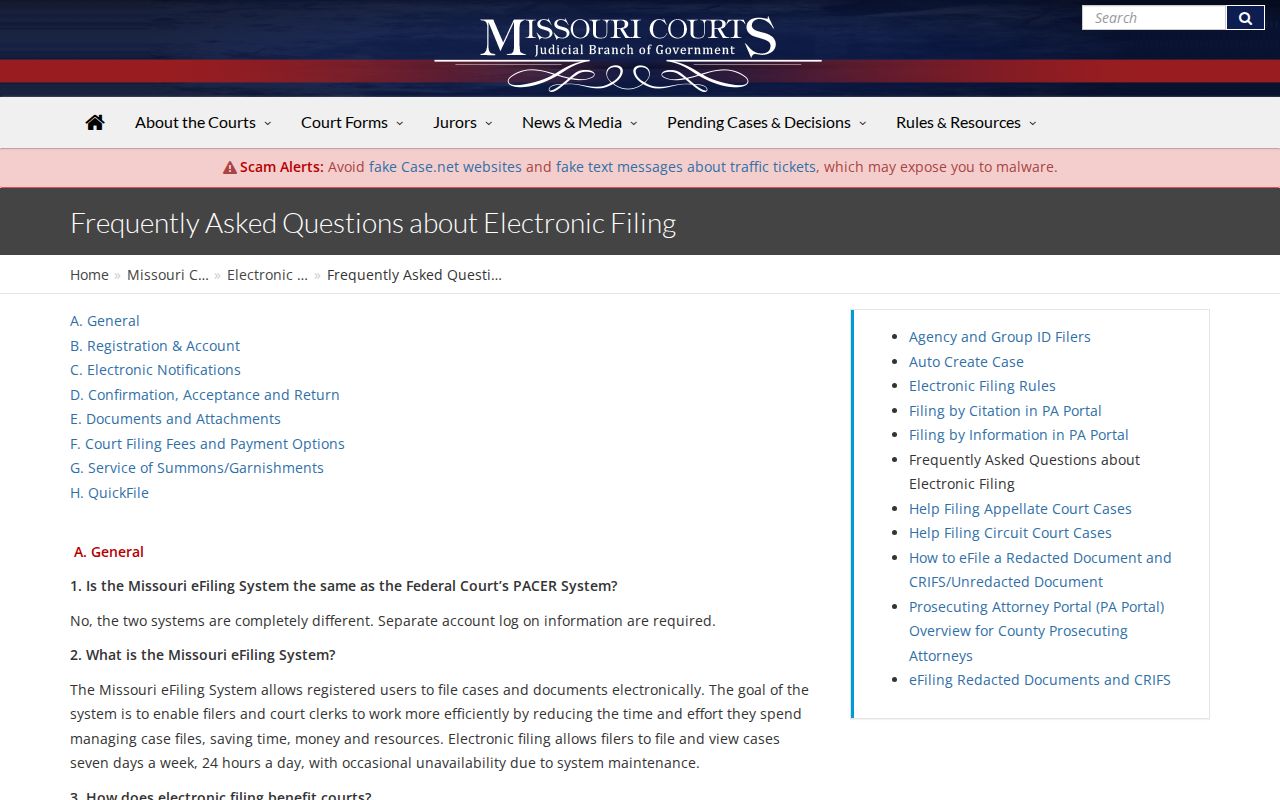
The official Missouri eFiling information lays out the statewide electronic-filing system and how it separates public document access from filing itself. It is a registered filing system, not a separate public Boone County docket search. Filings accepted electronically can attach to the Case.net record, though availability still follows each document's security level and the user's access route.
That distinction explains why a Boone County docket entry may be visible while its PDF is not. A courthouse terminal is a useful fallback for eligible public cases and documents, especially older E-CASE material or files that cannot be viewed remotely. Even without the image, the public docket entry stands as evidence of court activity.
Two Ways to Search: County and State
Boone County posts no separate public county docket database of its own. Case.net fills that gap as the statewide system. Narrow it to Boone County or the 13th Judicial Circuit for a local docket search. The same system also offers broader statewide routes. So the real choice is a Boone-focused Case.net search versus a statewide Case.net search. It is not two independent databases.
| Boone-focused Case.net search | Statewide Case.net search |
|---|---|
| Use a Boone County or 13th Judicial Circuit filter when offered. | Search across participating Missouri courts without the Boone filter. |
| Best for a known local case, setting, or clerk follow-up. | Best when the court location is uncertain and public coverage is appropriate. |
| Compare the local division, parties, and filing date. | Compare each returned court before treating it as a Boone County result. |
| Use the Boone courthouse terminal or clerk for local document fallback. | Document access remains subject to each record's security level. |
Boone County Public Terminal Route
A Boone County docket search sometimes ends at the courthouse, not a browser. Case.net names the case and lists its docket entries. But older material, E-CASE files, and documents with limited remote access may call for the public-access terminal. A request to the right clerk division may work too. Think of the terminal as a documented fallback, not a replacement for the public index.
Bring the full Boone County case number, the docket-entry date, and the document title. Or just write them down. With those details, the clerk or terminal user can pull the exact item. That beats guessing from a case description. The 13th Circuit page gives you an official Boone County circuit reference. It sits next to the statewide search. If something stays restricted, ask which rule, order, or security limit controls access. Never assume a public result should show every filing.
Which Cases Stay Restricted
Public access to a Boone County docket has limits. Missouri court rules and statutes set them. Juvenile, abuse or neglect, adoption, mental-health, treatment-court, protected-person, sealed, expunged, and similar confidential material may be missing, restricted, or shown only in limited form. Personal identifiers, filing information sheets, victim information, juror questionnaires, and sensitive account or medical material get protection too.
Court Operating Rule 4 governs public court record systems and their security limits. Closed criminal records after a qualifying termination fall under RSMo § 610.105. The expungement petition framework comes from RSMo § 610.140. When a record is missing, ask the Boone County clerk. Ask for the specific access basis instead of guessing.
Boone County Docket Search Notes
Eligible public documents filed on or after July 1, 2023 may be viewable remotely. That access starts once the court enables it. The rollout did not put every historic or restricted file online. When Case.net identifies a case but not the document image you need, the Boone County public terminal still matters for a public copy request. The Circuit Clerk's records channel matters too.
Case.net can lag behind data entry. The court publishes no Boone-specific refresh promise. For a current hearing or filing question, compare the index against the case docket, your notice, and clerk confirmation. Skip third-party databases. Boone County offers no bulk-download service, standalone docket API, or separate public search system.
Note: online Case.net text works well as a Boone County public index. Only the clerk can authenticate a certified court copy.
- Boone County name search, Boone County case-number search, Boone County filing-date search, Boone County hearing search, Boone County judgment-index search, and Boone County search spelling
- Boone County surname, Boone County first name, Boone County court filter, Boone County circuit filter, Boone County case number, and Boone County category code
- Boone County filing date, Boone County case header, Boone County party role, Boone County status, Boone County setting, and Boone County docket entry
- Boone County document link, Boone County File Viewer result, Boone County E-CASE marker, Boone County remote-access result, Boone County terminal route, and Boone County clerk route
- Boone County circuit page, Boone County Rule 4 limit, Boone County sealed-record status, Boone County expungement status, Boone County juvenile limit, and Boone County protected-person limit
- Boone County result date, Boone County refresh check, Boone County source URL, Boone County comparison court, Boone County calendar result, Boone County notice check, Boone County copy request, and Boone County certification need